



Video streaming has become one of the fastest-growing digital channels for content distribution, helping businesses engage audiences through live events and video on-demand experiences. As organizations migrate from expensive broadcasting infrastructure, they are increasingly investing in video streaming platforms that offer better flexibility and long-term control.
This rising adoption has led to the accelerating growth of the global video streaming market, which is projected to reach $25.5 billion by 2028 with a 21.5% CAGR.
Today, video streaming platforms do much more than host content. They help businesses build secure, customizable streaming experiences while supporting flexible monetization and complete platform ownership through source code access.
This comprehensive guide reviews 12 leading video streaming platforms, breaks down enterprise use cases for sports, education, and corporate training, and explores the major benefits of building your own infrastructure.
- Fully Customizable
- Lifetime Ownership
- On-Premise/On-Cloud
- 100% White-label
- Zero Revenue Share
- Hire Developers
How Were the Listed Video Streaming Platforms Evaluated?
To help the media business, we have evaluated 6 core operational features, starting with the technical capabilities needed to deliver video to features that a broadcaster might need to scale the video streaming platform.
* Streaming Performance & Infrastructure
We have analysed how each of these video streaming platforms handles smooth playback with adaptive streaming, transcoding, and ultra-low latency by using multi cdn networks. This helps prevent high buffering during high-traffic searches.
* Content Security
A professional video streaming platform must support studio-grade security solutions. We have prioritised platforms that support multi-DRM compliance, AES encryption, dynamic watermarking, geo-blocking features, and playback authentication capabilities.
* Monetization Flexibility
We have evaluated built-in monetization model support for AVOD, SVOD, TVOD, and hybrid models. Platforms that offer transparent revenue sharing along with direct payment gateway integrations were prioritized.
* White-Label Customization
We evaluated white-label capabilities, including removing third-party branding elements. Platforms that offer a higher degree of customisation, including source code access, were prioritized.
* Multi-Device & App Ecosystem
We assessed playback compatibility and native app performance across desktop, mobile, web, smart TVs, and standalone OTT streaming services to ensure multi-device streaming compatibility.
* Analytics, Marketing & Developer Tools
We reviewed real-time audience engagement dashboards to help refine content strategy. Developer-friendly REST APIs were evaluated in case the broadcaster needs any third-party tool integration and custom workflow automation.
12 Best Video Streaming Platforms for 2026 – Comparision Table
| Platform | Best For | Pricing (Starting) | Free Trial | Monetization Support |
| VPlayed | Enterprises needing full OTT control & customization | Custom pricing | No | 10+ monetization models (including AVOD, SVOD, TVOD, Hybrid, CSAI, SSAI) |
| Flowplayer | Publishers needing lightweight video players | Custom Pricing | No | SVOD, TVOD, SSAI, CSAI |
| Vidizmo | Internal corporate communications | Custom pricing | No | No |
| IBM Cloud | Large-scale corporate live events and training | $154/month | Yes | TVOD, SVOD, AVOD, Hybrid Models |
| Dacast | SMBs needing affordable live streaming | $39/month | Yes | SVOD, TVOD, AVOD |
| Brightcove | Large enterprises requiring global reach | Custom pricing | No | AVOD, SVOD, TVOD, Hybrid Models, FAST (Free Ad-supported Streaming TV) |
| Wowza | Technical teams building custom streaming workflows | Video cloud streaming: $149/monthStreaming engine: $295/month | No | SVOD, TVOD, AVOD, Hybrid models |
| Kaltura | Educational institutions | Custom pricing | No | SVOD, AVOD, TVOD, Hybrid Models, FAST, Coupons, Seasonal Passes |
| Vimeo OTT | Creators launching subscription platforms | $1/subscriber/month | Yes | SVOD, TVOD |
| Backlight (Zype) | Media companies managing video workflows | $500/mo | No | AVOD, SVOD, TVOD, and Hybrid models |
| JWX | Video marketing and ad-heavy sites. | Custom pricing | No | SVOD, TVOD, AVOD (CSAI, SSAI) and Hyrbid models |
| Muvi | Launching Netflix-style platforms with zero coding | $399 /month | Yes | SVOD, AVOD, TVOD, Hybrid |
Comparing The 12 Best Video Streaming Platforms For 2026
This is the guide to the best video streaming platforms of 2026. We have reviewed and ranked the top video streaming platforms with its streaming features, pricing and monetization models it offers, read through the list, to know them in detail.
Looking for the right video streaming platform fast? This overview highlights each platform’s core strength.
- VPlayed: Best white-label video streaming platform for full source code ownership and flexible monetization
- Flowplayer: Best for lightweight video delivery and advanced ad monetization
- GUDSHO: Creator-focused video streaming platform for community building and memberships
- IBM Cloud Video: Enterprise streaming solution for large-scale corporate broadcasts and virtual events
- Dacast: Cost-effective platform for secure live streaming and reliable VOD distribution
- Brightcove: Enterprise-grade video infrastructure for large-scale media and marketing workflows
- Wowza: Developer-centric platform for custom video streaming infrastructure and real-time streaming
- Kaltura: Open-source video streaming platform for learning and institutional use
- Vimeo OTT: Turnkey video streaming solution for quickly launching branded subscription streaming services
- Backlight: No-code platform for rapidly building and deploying cross-device OTT apps
- JWX: Best high-performance video player with advanced ad monetization and engagement tools
- Muvi: No-code video streaming solution with multi-screen compatibility for launching without developers
- VIDIZMO: Secure enterprise video content management system for compliance and internal communications
1) VPlayed
Best Video Streaming Platform for all businesses
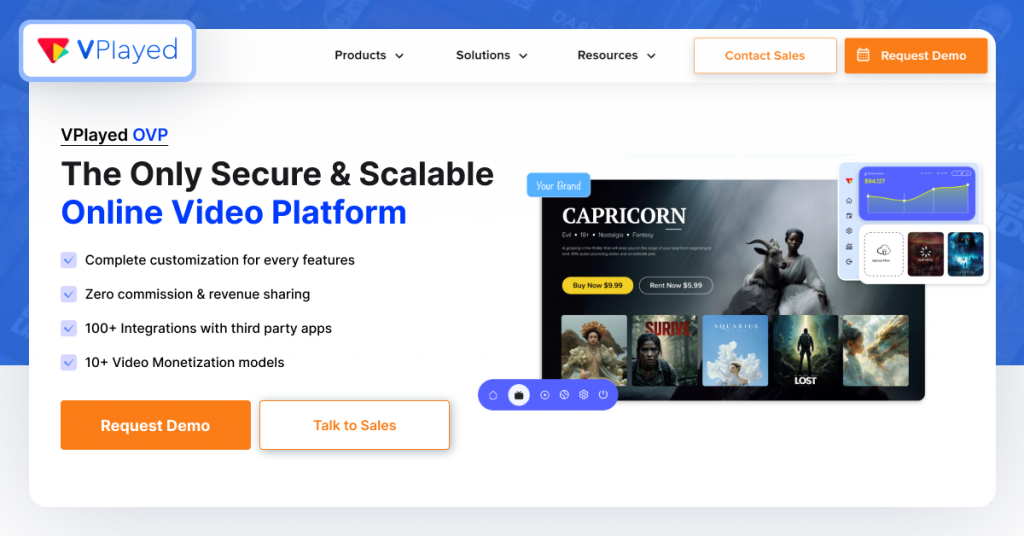
VPlayed is a video streaming platform that offers white-label customization features with complete source code offerings. It offers both live streaming and video on demand and lets content owners retain 100% of their revenue by leveraging 10+ monetization models. With its self-hosted infrastructure and robust multi-DRM content protection, it is perfect for anyone who needs a professional streaming solution.
Key Features of VPlayed:
- Global CDN: Playback without buffering, using adaptive bitrate streaming technology.
- Multi-Device Support: Native apps for web, mobile, smart TVs, and streaming sticks.
- Flexible Monetization: Supports 10+ models such as SVOD, TVOD, AVOD, CSAI, and SSAI.
- Strong Content Security: Multi-DRM protocols, AES encryption, IP/geo-restrictions.
- White Label Customization: 100% customizable layout and player elements that represent your brand.
- Video CMS: Bulk uploads, metadata management, and scheduling.
- Live-to-VOD Conversion: Auto-archives live streams for the on-demand catalog.
- Analytics & Tools: Monitors engagement and enables third-party integrations.
- Flexible Deployment: On-premises or cloud deployments, with full source code access.
Pros
- Complete white-label customization and no vendor lock-in with full source code access.
- Keeps 100% of revenue with no platform cuts across multiple monetization models
- Enterprise security including Multi-DRM, AES encryption, and geo-fencing.
Cons
- Does not offer a free trial; needs to have a sales consultation.
- No transparent pricing tiers
VPlayed Pricing
VPlayed offers custom pricing based on business requirements. Businesses can contact their sales team for a custom quote and demo.
Compare the top AVOD platforms based on monetization capabilities, ad integration, content management, and scalability
2) Flowplayer
Best Video Streaming Solution For Broadcasters
Flowplayer is a video streaming platform built for everyone, from small businesses to large media houses. It features a lightweight player, video hosting, and delivery with global content delivery (VOD). It offers live streaming and simulive broadcasting across all streaming devices with formats like MP4 and WebM. Flowplayer supports various OTT monetization models and content security necessary to protect revenue.
Key features of Flowplayer
- Global CDN & Adaptive Streaming: Fast video streaming with lightweight HTML5 playback.
- Live & Simu-Live Broadcasting: Real-time (live) stream management, scheduling, and live diagnostics.
- Ad Support & Monetization: Handles CSAI, SSAI, header bidding, and analytics.
- DRM Protection: Industry-leading encryption methods to secure media assets.
- Player Customization: Fully customizable white-label components and designs using custom CSS.
- AI Captioning & Accessibility: Provides closed captioning automatically and meets WCAG standards.
Pros
- Ultra-lightweight HTML5 player guarantees quick loading and low buffering
- Advanced ad monetization features include header bidding, CSAI/SSAI, and ad-block recovery.
- In-built AI transcription and WCAG compliance make international accessibility easier.
Cons
- More sophisticated programmatic advertising platforms need technical development setup
- Lacks native paywall management compared to dedicated OTT solutions
Flowplayer Pricing
Flowplayer offers custom pricing based on business requirements.
3) Vidizmo
Unlocking the World of Entertainment With Streaming Platform.
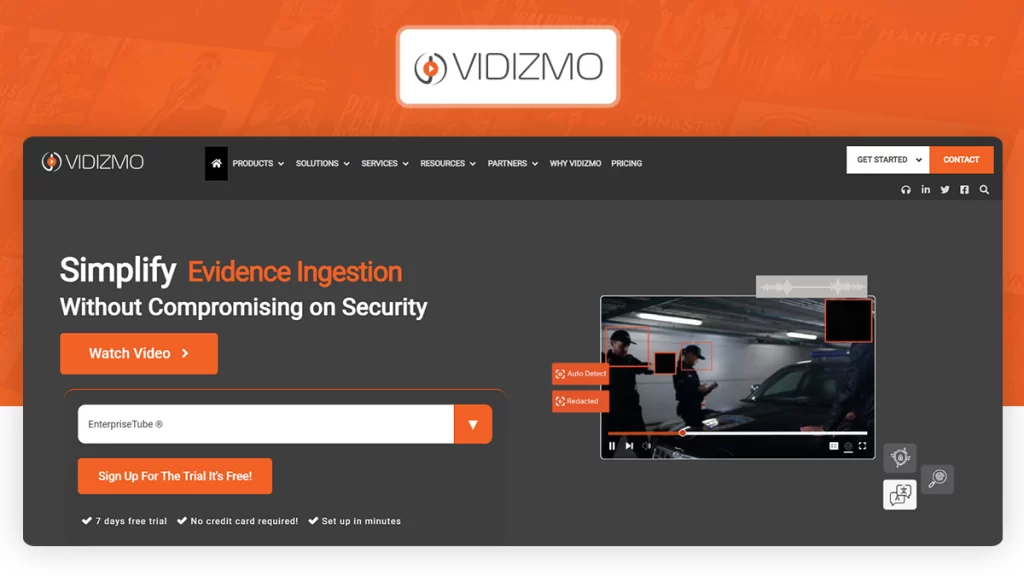
Vidizmo is a versatile video streaming platform for internal training needs and public safety operations. It has a portal interface similar to YouTube, and includes secure single sign-on (SSO), DRM and AES encryption. The platform can be easily integrated with Microsoft SharePoint and Zoom, and supports auto-transcription of speech in multiple languages. Note that it is not intended for public broadcasting.
Key Features of Vidizmo
- Private Video Streaming: Advanced access controls for sensitive media for authorized viewers only.
- Centralized Content Management: Single point of administration for managing secure distribution of content.
- AI-Powered Search Discovery: Quick video search through huge enterprise libraries.
- Customizable Branded Portals: User interface customized to reflect corporate identity.
- Robust Data Governance: Compliance with enterprise rules and regulations with robust security and audit logs.
Pros
- Support for deployment on public cloud, on-premises or hybrid environments.
- Seamless integration with Microsoft Teams, Zoom, SharePoint, SSO and LMS.
- Improved viewer engagement with interactive polls, quizzes, surveys, and downloads.
Cons
- Limited built-in monetization tools outside internal communication use cases.
- More complex infrastructure and administrative requirements for on-premises configurations.
Vidizmo Pricing
Vidizmo provides personalized quotes tailored to specific business requirements. Contact their sales team for detailed pricing information.
4) IBM Cloud
Reliable Global Streaming Video Platform
IBM Cloud Video is among the best video streaming platforms to provide live and on-demand videos. It is a versatile cloud-based video streaming solution that serves different use cases, including employee communication, virtual meetings, advertising, government events, and entertainment. It is scalable and also has built-in multi-CDN infrastructure for a global reach.
Key Features of IBM Cloud Video
- High-Definition Streaming: Live video streaming optimized for high clarity and low latency.
- Multi-CDN Infrastructure: High scalability and playback without interruptions with global switching of CDN.
- Broadcast Recording: Instant on-demand catalog availability, via automation of live stream archiving.
- Mobile-Friendly Adaptive Player: Adaptive player that responds to the screen size and bandwidth of the viewer.
- Flexible Monetization: Seamless advertising and subscription-based revenue structures.
- Audience Engagement Tools: Live chat and interactive Q&A with integrated moderation features.
Pros
- Watson AI automation of metadata, speech-to-text, and real-time closed captioning.
- Established enterprise infrastructure that ensures reliable performance at scale with peak viewership.
- Seamless SSO and SAML integration for secure in-house streaming.
Cons
- High entry cost without lower-tier pricing options, creating barriers for smaller creators
- A steep learning curve and a rigid administrative interface, in comparison to modern OTT solutions
IBM Cloud Video Pricing
- Silver: $154/month
- Gold: $773/month
- Platinum: $1,550/month
5) Dacast
Professional Video Streaming Solutions for Business
Dacast is an API-centric video streaming platform for the upload, hosting, and distribution of video content. It has video storage, live streaming, and the best HTML5 video player. It also enables video monetization infrastructure for various customers like subscription, advertising, pay-per-view, and grouped pricing options.
Key features of Dacast:
- Adaptive Bitrate Streaming: High-performance video streaming capabilities, dynamically adjusting the stream’s quality to avoid buffering.
- White-Label Branding: Custom logos, player graphics, and personalized watermarks.
- Player Customization & Embedding: Customizes and embeds responsive video players on websites and social channels.
- Comprehensive Analytics: Allows for detailed analytics of the audience, viewer numbers, and demographic reporting.
- Built-In Video SEO: Optimizes embedded video content for search engines for higher organic visibility.
Pros
- Comprehensive APIs that allow developers to create personalized streaming infrastructure and workflows.
- Top-tier global content delivery networks eliminating playback buffering for massive audiences
- AES encryption, domain locking, password protection and geolocation blocking for best-in-class security.
Cons
- Advanced developer tools and API access are behind higher subscription fees
- Bandwidth overage was enforced strictly for exceeding bandwidth limits.
Dacast Pricing
- Starter: $39/month
- Event: $63/month
- Scale: $165/month
- Custom Plan
Looking for Dacast Alternatives?
Explore top video streaming platforms who are the best competitors of Dacast in content delivery, customization, monetization, and scalability.
6) Brightcove
Cloud Based Video Platform For Large Scale Enterprises
Brightcove is an enterprise cloud-based video streaming platform for hosting, distribution, and monetizing video. It allows content creators, like media organizations and educators, to sell online courses. The platform provides more sophisticated analytics, live streaming, and custom playback. Brightcove supports multiple formats and ad integration with no hassle, allowing for high-performance workflows across the globe.
Key features of Brightcove
- Extensive Integrations: Integrates with more than 100 third-party marketing, CRM and analytics tools.
- Server-Side Ad Insertion: Ad stitching on the server side to avoid ad-blockers and buffering.
- Multi-Platform Syndication: Content is automatically distributed across various social media platforms, such as YouTube, X and Facebook.
- Responsive HTML5 Embedding: Professional, high performance video embedding for external websites and web pages.
- Intuitive Content Management: Efficient and easy-to-use library organization with a user-friendly enterprise dashboard.
Pros
- Reliable cloud-based servers that scale effortlessly to handle millions of simultaneous users
- A unified multi-device approach that guarantees consistent video delivery across web, mobile, and smart TV screens worldwide.
- Enterprise-grade security featuring domain-level privacy controls and tokenized playback for sensitive media
Cons
- High upfront investment costs creating barriers for emerging content creators and growing businesses
- A steep learning curve and deep knowledge of HTML, CSS, and JavaScript needed for very intricate player modifications.
Brightcove Pricing
Brightcove offers custom pricing based on business requirements. Businesses can contact their sales team for a custom quote and demo.
7) Wowza
High Performance video streaming platforms
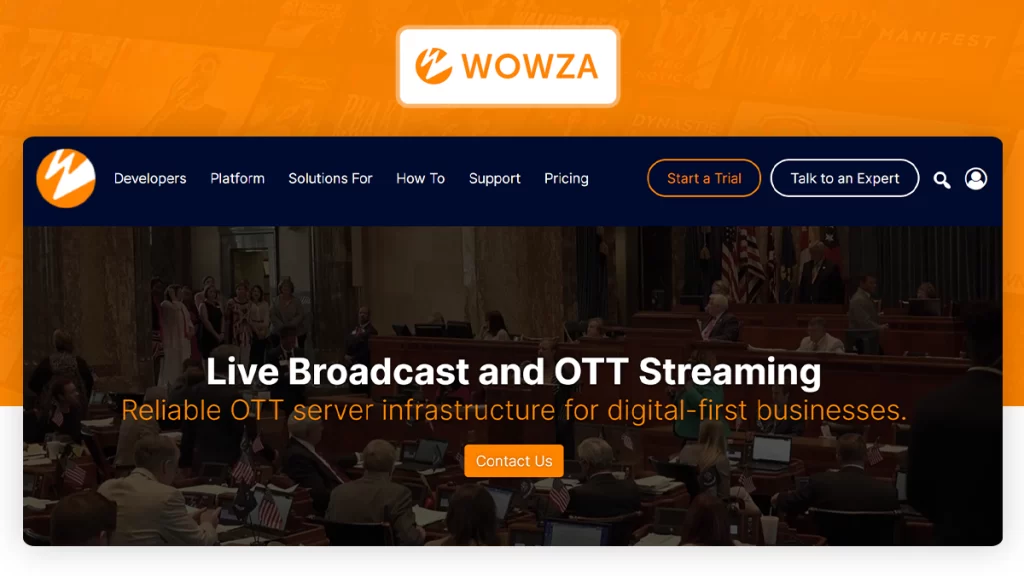
Wowza is a powerful embedded video streaming solution that enables users to add video to critical applications. It allows enterprises to broadcast real-time and recorded video streams to their websites and mobile apps. It has built-in analytics and reporting tools that help users track video streaming performance and optimize the workflow.
Key features of Wowza
- Robust APIs and Developer SDKs: Comprehensive tools and technical documentation enabling custom, integrated streaming workflows.
- Custom Player Design: Complete control of video player interfaces with standard CSS styles for brand alignment.
- Extendable Plugin Architecture: Modular and flexible architecture that enables businesses to add functionality as needed using custom plugins.
- SCTE Embedded Captions: Industry-standard closed captioning for broadcast accessibility and regulatory compliance.
- 360-Degree Immersive Video: Web streaming optimized for interactive VR and 360-degree videos in the highest resolution.
Pros
- Extremely versatile deployment options that work either in a cloud-based infrastructure or as a self-hosted media server.
- Support for ultra-low latency live broadcasting for real-time delivery and minimum latency
- Extensive developer customizability through REST APIs, custom plugins and custom code integration.
Cons
- Might require advanced technical skills or a dedicated developer to configure.
- Complex usage-based pricing structure and unpredictable monthly expense management.
Wowza Pricing
Wowza cloud streaming
- One-time purchase: $149/month
- Pay-as-you-go plan
Wowza streaming engine
- One-time purchase: $295/month
- Basic Monthly: $195/month
8) Kaltura
Professional video streaming platform for Android & iOS
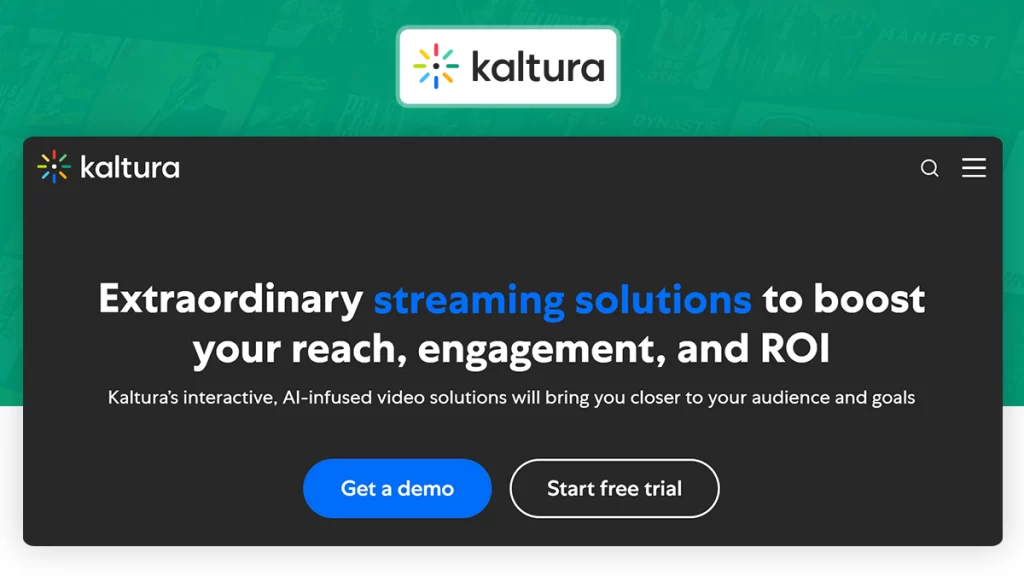
Kaltura is a video streaming solution that enables you to monetize your educational videos. Helps your business with content delivery, player transcoding, advertising and analytics. Video content business clients such as Google, Disney and Cisco use Kaltura for streaming and management. It possesses the essential streaming facilities, such as transcoding, storing, caching, and distribution.
Key Features of Kaltura:
- Universal HTML5 Compatibility: Video plays flawlessly in all browsers and devices.
- Textual Audio Representation: Automated captioning and transcription for interpretation and accessibility.
- Inclusive Screen Reader Support: Optimized platform interface for visually impaired users.
- Colorblind Compliant Visuals: High contrast design elements designed for color blind users.
- Accessible User Controls: Intuitive administration layout cleverly designed for ease of interaction across different abilities.
Pros
- A flexible, open-source platform that seamlessly integrates with the most popular LMS platforms, such as Canvas, Blackboard, Moodle, and others.
- Flexible hosting options for hybrid cloud, on-premises and private cloud enterprise infrastructure configurations
- Modular app frameworks and open APIs for developers to create custom streaming apps.
Cons
- More complex workflows where special developer skills are needed for the setup.
- The backend is complicated for non-technical administrators.
Kaltura Pricing
Custom pricing based on requirements. Contact the sales team for a demo and custom quote.


9) Vimeo OTT
Pioneer Video Streaming Solutions
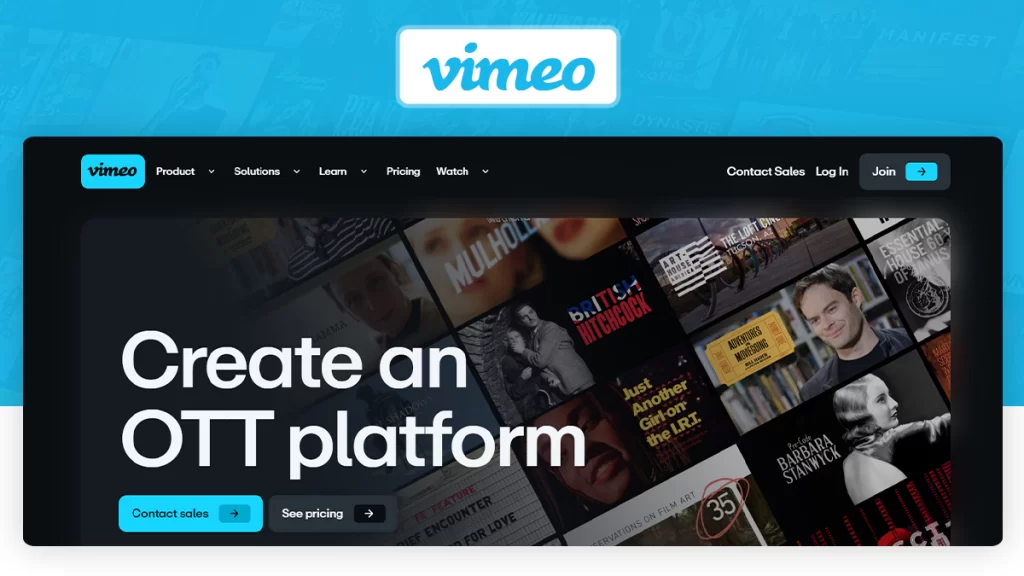
Vimeo is a video streaming platform specializing in secure video hosting and strong privacy controls. It is great for private sharing, player customization and easy team collaboration. One of the best workflow features is the ability to upload a new version of a file without having to change the URL or embed link. However, it’s not as good when the goal is widespread public exposure.
Key Features of Vimeo OTT
- Advanced Subscriber Analytics: In-depth performance metrics including subscriber behavior, churn rate, and engagement metrics.
- 4K and HD Video Support: Crystal-clear streaming resolution optimized for professional viewing on any display.
- Ad-Free Playback: No ads or intrusive advertising to get in the way of high-quality viewing.
- 360-Degree Immersive Video: Virtual reality video support that lets viewers explore video streams from all angles.
Pros
- Global subscription management and customizable paywalls for flexible monetization.
- Enterprise-quality security with DRM encryption, domain restrictions and password protection.
- Custom mobile and smart TV templates for application development.
Cons
- Dual pricing (per-subscriber fees plus revenue percentages that ramp up the cost)
- Lower-tier options may offer fewer backend customization and API flexibility options than open-source options.
Vimeo OTT Pricing
- Starter: $1/month per subscriber (+ 10% of one-time purchases)
- Enterprise: Custom pricing (includes branded apps and 24/7 support)
- Custom Plan
Tired of using Vimeo OTT?
10) Backlight
Best Video Streaming Platform For Managing Videos On Channels
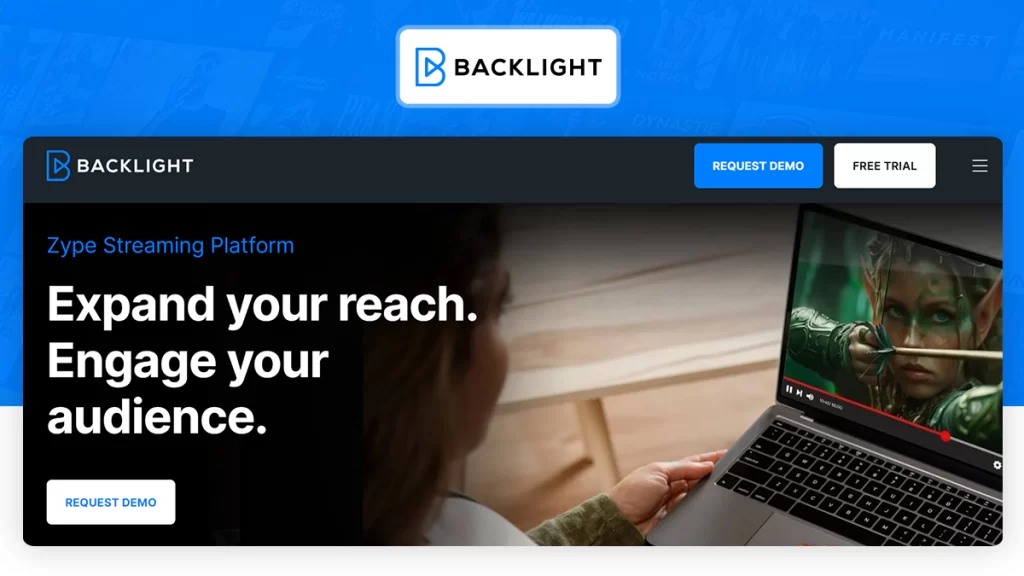
Backlight is a cloud-native video streaming platform offering robust content management, hyperdistribution, and video monetization. The software supports live streaming, video on demand, and catch-up TV. It provides sophisticated capabilities like custom branding, DRM security and in-depth analytics. Content delivery is fast and reliable, with integrations to major networks such as Akamai, ClearSky, and Limelight.
Key features of Zype
- No-Code Application Deployment: Ability to create quality video apps without coding for web, mobile, smart TV, and consoles.
- Flexible Monetization Frameworks: Comprehensive revenue models spanning SVOD, AVOD, and pay-per-view structures.
- Cross-Platform Syndication: Single dashboard management for multi-device content syndication and scaling.
- Reliable Enterprise Infrastructure: High performance tooling for seamless and uninterrupted video performance at scale.
- Automated Platform Updates: Automated system updates to keep the application running smoothly and consistently.
Pros
- Designed to be API-first and integrate with other developer integrations seamlessly.
- Automated live broadcast management and linear channel scheduling.
- Allows audience behaviour tracking for growth with deep CRM integration.
Cons
- High-end entry-level package.
- Non-technical teams have a steep learning curve.
Zype Pricing
- Zype X: $500/month (billed annually)
- Zype Premium: $3,500/month (billed annually)
- Custom Plan
11) JWX
Most Powerful and Flexible Video Platform
JWX Player is a white-label video streaming solution based on a modular infrastructure and composable architecture. It is capable of live streaming and VOD (Video on Demand) workflows. It offers high-end enterprise features such as SSAI, comprehensive DRM safeguards and multi-format HLS and DASH streaming protocols for secure and efficient digital content monetization.
Key Features of JWX Player
- Adaptive Bitrate HD Encoding: Optimized video delivery; no buffering on any consumer device.
- Granular Audience Intelligence: Track viewers’ engagement and content performance in real-time.
- Robust Content Protection: Highly advanced security measures with password restriction and geo-blocking.
- Branded Video Galleries: Professional Video formats to drive maximum onsite viewing.
- Priority Support Services: Technical assistance and support that guarantees uninterrupted streaming operations.
Pros
- Advanced monetization through header bidding and flexible CSAI / SSAI integration
- Strong developer tools, including custom JavaScript APIs, mobile SDK, and CSS skinning, to help developers build the experience they want.
- Recommendation engines that maximize the time viewers spend on your site.
Cons
- Custom enterprise pricing, based on sales negotiation.
- Custom Player Configurations that require dedicated developer resources.
JWX Pricing
JWX offers a custom quote based on business requirements. Contact their sales team for further pricing details.
12) Muvi
Take Up Your Video Streaming Experience To New Heights
Muvi is a video streaming platform that assists content creators and distributors to reach wider audience and helps them with content creation and distribution. Muvi provides video management, video analytics, video transcoding, video hosting, and video delivery services. Like VPlayed, Muvi offers white-label customization options and multiple monetization models such as subscription, ad-based and pay-per-view.
Key Features of Muvi
- 4K Ultra-HD Video Streaming: Highest possible quality video delivery that’s optimized for the consumer device.
- Flexible Ad Monetization: Support for both skippable and non-skippable formats for a balance between revenue and viewer experience.
- Automated Metadata Management: Advanced tagging and enrichment technologies to maximize the searchability of the video library.
- Built-In Audio Player: Specialized playout system for tailored music and sound delivery.
- Centralized Asset Dashboard: Easier and more simplified management of promotional banners, thumbnails and visual assets.
Pros
- Click-to-publish deployment of applications on a variety of mobile and smart TV operating systems
- No commission fees, 100% revenue control through direct payments.
- Enterprise security featuring DRM encryption and dynamic watermarking
Cons
- High base plan rates and bandwidth fees aren’t suitable for small publishers
- Rigid layout templates limiting custom design flexibility
Muvi Pricing
- Standard: $399/month (+ infrastructure fees)
- Professional: $1,499/month (+ infrastructure fees)
- Enterprise: $3,900/month (+ infrastructure fees)
- Ultimate: Starts from $10,000/month (+ infrastructure fees)
Best OTT Solutions Beyond Muvi
Explore feature-rich Muvi OTT Alternatives that offer scalable streaming infrastructure, monetization tools, and greater platform control.
Find the Right Video Streaming App Builder
Compare the best video streaming app builders that support content management, monetization, and seamless video delivery.
Features to Consider While Developing a Video Streaming Platform
One of the factors that will make or break your video streaming business is the features you choose to incorporate into your video streaming platform. Let’s look at some of the non-negotiable elements of your platform.
1. 100% Platform Customizability
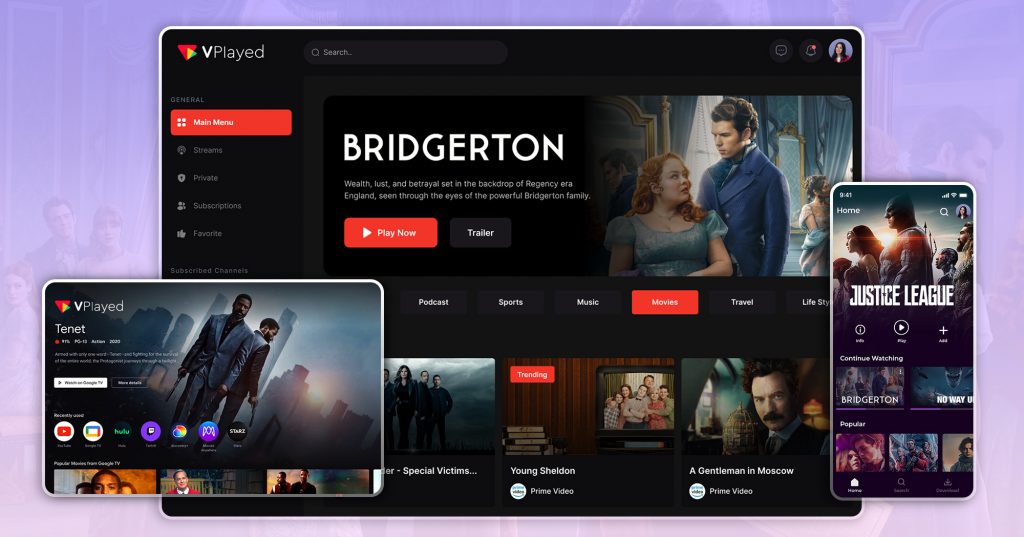
In simple terms, customizability ensures that your video streaming platform aligns perfectly with your brand identity. From user interface design to feature integration, having full control of your platform allows you to create unique and tailored experiences for your audience.
2. On-Premise/In-Cloud Hosting
The choice between on-premise and cloud hosting provides flexibility in managing the infrastructure, scalability, cost savings and accessibility.
On the other hand, on-premises solutions provide better control and security of your information. Make decisions with business needs and preferences in mind.
3. Security & DRM
Security features protect user data information with features like multi-DRM (digital rights management), AES encryption, SSL certificates, and digital watermarks, which work together to protect your platform and content from unauthorized access and piracy. They ensure a secure streaming services ecosystem, encrypted and searchable.
It’s also wise to have a plan for data protection, such as using a reliable deleted video recovery software to restore accidentally lost content.
4. HLS Streaming in HTML5 Player
HLS (HTTP Live Streaming) guarantees a continuous stream or experience across different devices and browsers.
This compatibility ensures that your content gets around and reaches the intended audience. The HLS video player provides users with a consistent and quality experience.
Discover How to Build a Scalable Streaming Server
Now that you’re familiar with the technology, discover how to build video streaming server tailored to your needs.
5. Access Platform Source Code
Choose a video streaming platform provider that gives you access to your platform’s source code. Having access to the source code provides better visibility and control over the development process.
It not only builds trust among stakeholders but also allows for easier troubleshooting, optimization and future improvements.
6. Flexible Monetization Models
With diversified monetization models, such as subscription, pay-per-view, or ad-supported address different audience preferences and business objectives.
This flexibility maximizes revenue and gives you the freedom to adjust your content strategy based on market trends and user behavior.
7. Trusted Content Providers (Global CDNs)
A streaming business cannot work without an audience, subscribers are an integral part of any successful business strategy.
Content Delivery through Global Content Delivery Networks (CDNs) ensures low-latency, high-performance streaming across the globe, improving user satisfaction with minimal buffering and load times.
Conclusion
Choosing the right video streaming platform collectively depends on many factors.
While options like JW Player are known for delivering quality, a fully customizable solution like VPlayed is recommended for those seeking a well-rounded platform with greater flexibility, making it one of the best white-label OTT platforms available today.
In fact, VPlayed stands out from others on this list by charging zero user fees or miscellaneous costs, allowing you to keep 100% of your income without repeated monthly or annual payments.
Indeed, even as a platform, VPlayed stands out from the others on this list. It charges zero user fees or miscellaneous fees, and allows you to keep 100% of your income without repeated monthly or annual payments.
However, if you find the decision-making process overwhelming, our experts can provide you with appropriate guidance. We look forward to connecting with you soon!
- Request Demo Book a Live, Personalized Demo
- Contact Sales Reach Out to Our OTT Experts
Frequently Asked Questions (FAQ):
1. What Are Video Streaming Platforms?
Video streaming platform is an online platform that delivers on-demand videos and live streaming videos online like movies, TV shows, music, or podcasts, in real-time to users globally. The top video streaming platforms– Hulu, Netflix, and Amazon Prime follows the same gaining global traction towards online content.
2. How Do You Choose the Best Video Streaming Solution Provider?
To choose the Best Video Streaming Solution Provider for your online content streaming Identify your business niche that serves your target audience, work on features that expresses your brand and find a Video Streaming Solution Provider who supports all these and build a user-friendly design, and then apply different video monetization methods to your platform.
3. How Do I Monetize Video Content?
To monetize your video content with online video streaming platforms, follow and implement Content monetization strategies and models such as AVOD, SVOD, TVOD, Catch Up TV, Video Paywalls, and merchandise sales to your business.
4. How Much Does It Cost To Build A Video Streaming Platform?
The cost of building a video streaming platform depends on several factors, on an average it costs about $15,000 to $30,000 on different customizations plans and video streaming services the costs of developing a video streaming platform will increase based on the provider.
5. What Are The Essential Features Should I Look For In A Video Streaming Solution?
The following features are a must-have for a Video Streaming platform and they are Video DRM security, White-label streaming, Cloud migration, 100% customization, multiple integration, 10+ monetization models, video content management and video DRM security.


